AI Meeting Automation: Why Most Workflows Still Need a Human in the Middle


I built an agent last weekend that runs my entire post-meeting workflow without any input from me. No prompt. No copy-paste. No checking if it actually did the thing.
AI Meeting Automation: Why Most Workflows Still Need a Human in the Middle
By Harry Roper, Co-Founder & CEO at Imaginary Space
I built an agent last weekend that runs my entire post-meeting workflow without any input from me. No prompt. No copy-paste. No checking if it actually did the thing.
Before I explain how it works, let me be honest about why I built it.
At Imaginary Space we run 20-plus active client projects at any given time. Every meeting generates a transcript, action items, scope decisions, and things that need to go into Linear before the next sync. For a long time, I was the one doing that. Not because I had to. The tools we were using still assumed a human would sit in the middle of the process and move things along. And that assumption is built into most of what people call AI automation today.
What passes for AI automation right now
Most setups I see follow the same pattern. Meeting ends. Someone opens the transcript, pastes it into ChatGPT or Claude, asks for a summary, then manually puts the output somewhere useful. Maybe into a Notion doc. Maybe into a Slack channel. Maybe into a ticket they create themselves.
That workflow is faster than writing the summary from scratch. It is not automation. Someone still has to trigger it, review it, and move the result. The AI generates. The human executes. The bottleneck did not move. It just got a new coat of paint.
The question worth asking is not "how do I use AI to help with this?" It is "can I remove myself from this loop entirely?" Those are different problems with different architectures.
How the system actually works
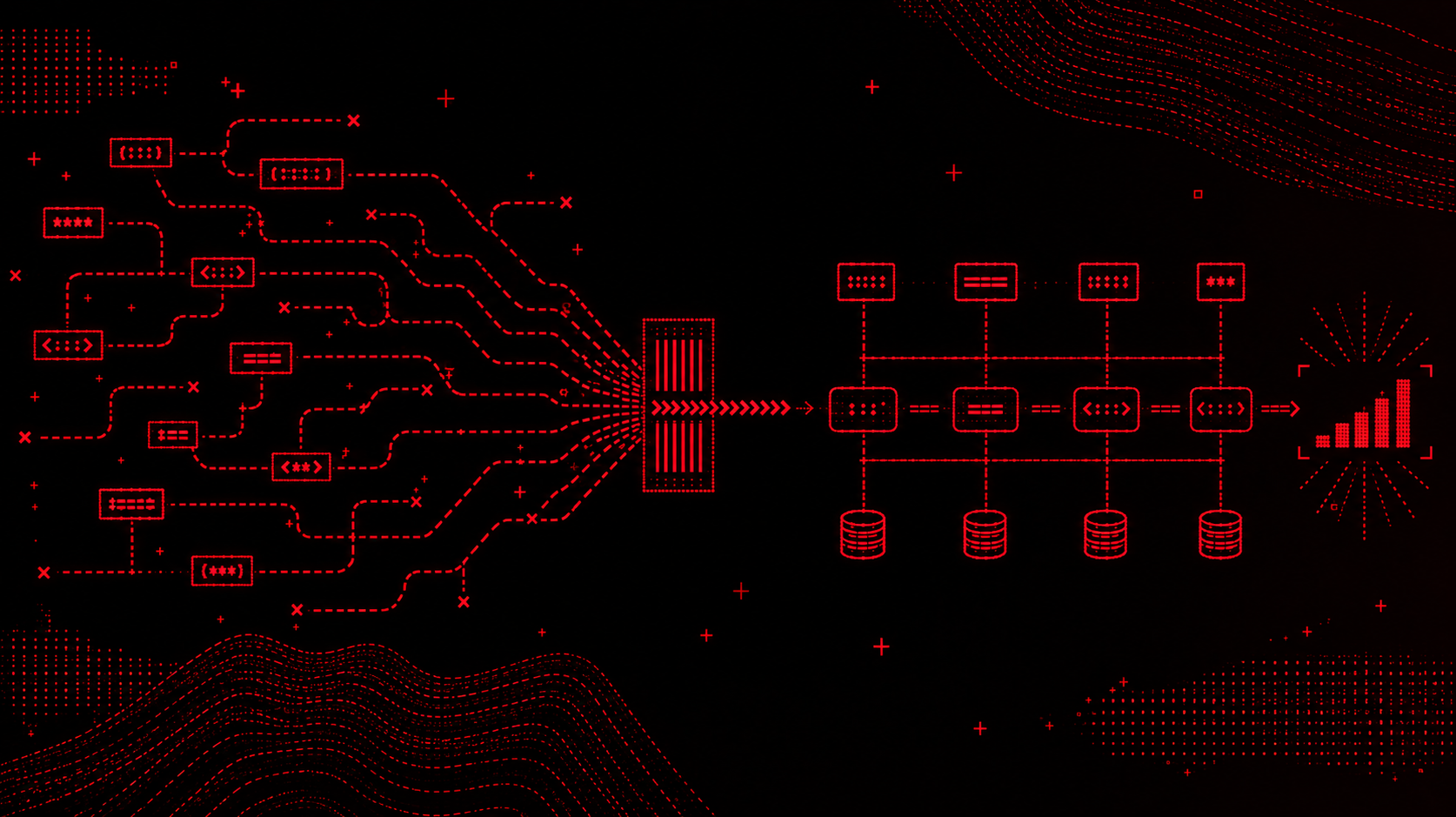
The agent runs on two triggers. When a meeting ends, Read.ai fires a webhook automatically. When a client call is scheduled within two hours, Google Calendar sends a separate trigger. Both feed into a webhook receiver that validates the input and queues it.
From there, a Claude Code agent wakes up and does the actual work. It pulls the client's history from Supabase, matches the client name in the transcript against a client ID in the database, and uses that to keep context clean across 20-plus active projects. There is no ambiguity about which summary belongs to which client. The matching is deterministic.
The reasoning step is where it gets useful. The agent compares what was discussed in the meeting against the current scope in Linear. Not just "what was said" but "what was said versus what we are actually supposed to be building." That gap is where scope creep lives, and catching it automatically at the end of every call is worth more than any summary.
From there it runs four outputs in parallel: it pushes new tickets to Linear, posts a client update to Slack, saves a summary to the right folder in Google Drive, and generates a pre-meeting brief for the next call using the last three summaries and all open tickets.
If something fails, it retries. If it keeps failing, it flags me. I do not have to watch it run.
The honest version of where this stands
I am calling it semi-running. It works. The goal is to deploy it for the full IMS team this week.
The gap between a personal tool and a team-ready system is real. When I built this for myself, I knew every assumption baked into the architecture. When someone else on the team uses it, those assumptions have to be explicit, the failure modes have to be handled gracefully, and the output has to be trustworthy enough that nobody feels the need to double-check it after every meeting.
Getting from "it works for me" to "the team relies on it without thinking about it" is the actual engineering problem. The automation part is the easy part.
What it actually takes to remove yourself from the loop
The architecture question nobody asks early enough is: what does this system need to know to make a good decision without me?
In this case, the answer was client context. The agent needed to know which client a transcript belonged to, what the current scope looked like, what had been discussed in previous meetings, and what was already ticketed. Without that, it would generate a summary and nothing more. With it, it can reason about the gap between what was said and what needs to happen.
Supabase handles the client matching. Claude Code handles the reasoning. The outputs go directly into the tools the team already uses: Linear, Slack, Google Drive, which means no one has to adopt a new interface to get the benefit.
The principle generalizes. If you are looking at a workflow that still requires a human to trigger it, review it, or move its output somewhere, the question is not which AI model to use. It is what context the agent is missing that makes human judgment feel necessary. Fix the context problem and the human often becomes optional.
What this looks like at scale
Running this across 20-plus clients is different from running it for yourself. The system has to handle concurrent meetings, conflicting context, clients with similar names, and failure modes that do not show up in single-client testing.
Most of what we build at Imaginary Space runs into the same gap. The prototype works. The production system requires a different level of thinking about data integrity, failure handling, and what happens when the agent is wrong. That is not a reason to avoid building it. It is the work.
The tools are good enough. The models are capable. The part most teams skip is designing the system so the agent has enough context to act without supervision. That is where the real time savings are. Not in generating faster. In executing without being asked.
We write more about how we approach production AI systems here if you want to see what that looks like in practice.